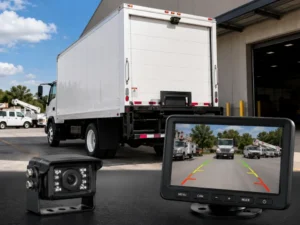
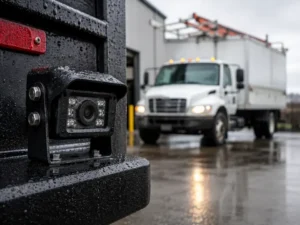
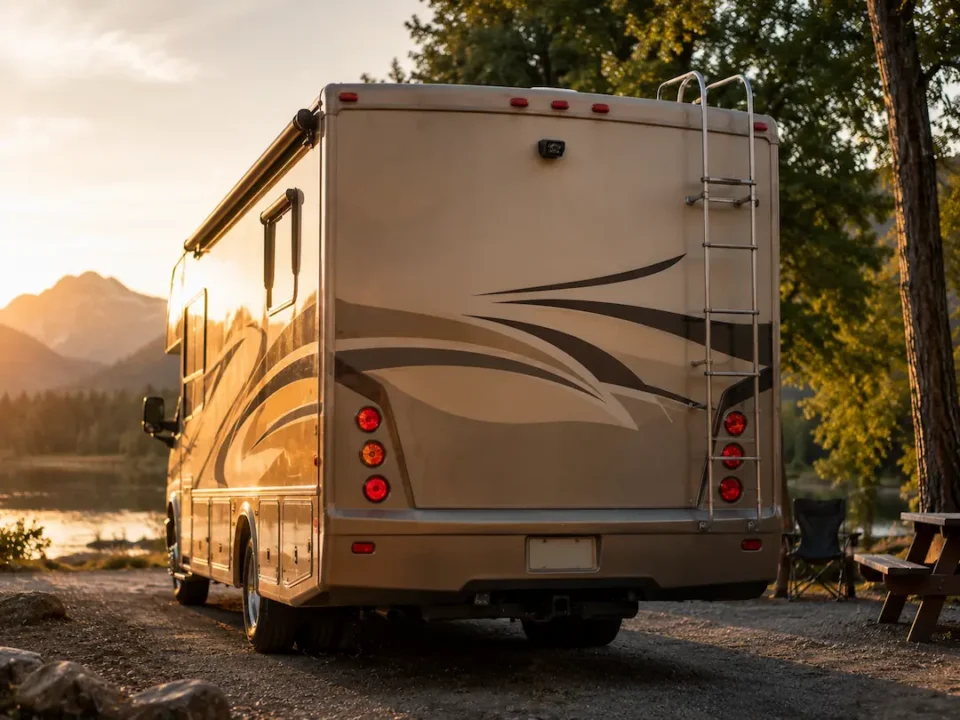
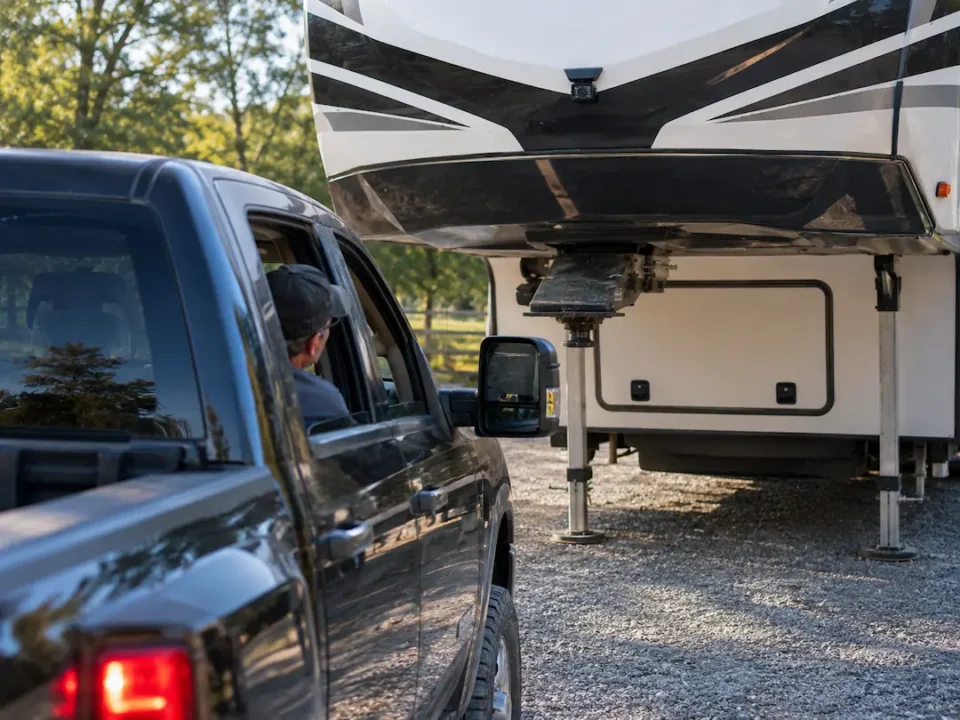
You can enhance your RV safety and convenience by installing a rearview camera system. This comprehensive checklist will guide you through each step, ensuring you cover vital tools, correct camera placement, and wiring techniques. By following this guide, you’ll not only improve your visibility but also minimize potential accidents. Your travels can become more enjoyable with the right knowledge and preparation, so let’s get started on making your RV equipped for any adventure.

Understanding RV Cameras
Understanding RV cameras is necessary for choosing the right system for your vehicle. Different types of cameras offer varying functionalities, making it important for you to identify what features you need based on your RV’s size, usage, and specific safety requirements.
Types of RV Cameras
- Rearview Cameras
- Side Cameras
- 360-Degree Cameras
- Wireless Cameras
- Night Vision Cameras
Recognizing the type of camera that best suits your needs will enhance your safety while driving your RV.
| Camera Type | Description |
| Rearview Camera | Provides a view behind your RV. |
| Side Camera | Offers views from the sides to eliminate blind spots. |
| 360-Degree Camera | Presents a bird’s eye view around your RV. |
| Wireless Camera | Eases installation with no long cables. |
| Night Vision Camera | Improves visibility in low-light conditions. |
Key Features to Consider
- Image Quality
- Field of View
- Durability
- Ease of Installation
- Price
This consideration will ensure the camera meets your specific needs, providing a safer and more secure driving experience.
When evaluating camera options, you’ll want to focus on specific key features that align with your RV lifestyle. Look for image quality that provides clear visuals, a wide field of view to cover more area, and durability to withstand harsh weather conditions. The ease of installation can also impact your choice, as you want a system that doesn’t require advanced technical skills. Lastly, always consider price in relation to the features offered, ensuring you get the best value for your investment. This will enhance your overall experience and safety on the road.
Installation Preparation
Before entering into the installation process, it’s necessary to prepare adequately. Gathering all necessary materials and tools beforehand can streamline your efforts and minimize interruptions. For a detailed perspective on what’s involved, consult this comprehensive guide on How To Install A Wireless & Wired RV Backup Camera.
Tools and Materials Needed
Gathering the right tools simplifies the installation process. You’ll need necessary items such as a screwdriver, drill, wire strippers, and suitable screws for mounting. Additionally, check for a camera system that contains all the required components like a monitor and wiring. Having everything on hand prevents delays during installation and helps ensure a smooth setup.
Choosing the Right Location
Selecting an optimal location for your RV camera is vital for maximizing visibility and functionality. Aim to position the camera at the rear center of your vehicle. This location typically provides the best angle for capturing a wide field of view, diminishing blind spots while reversing or navigating tight spaces. Ensure the camera is mounted securely and free from obstructions, which could interfere with its performance.
The height of the camera installation plays a key role in performance. Ideally, the camera should be positioned at or slightly above eye level, providing an unobstructed view of the rear surroundings. Test different placements to identify the angle that delivers the best footage for your specific RV setup. Taking precise measurements before installation can save you time and effort, ensuring that your camera serves its purpose effectively.
Step-by-Step Installation Guide
| Task | Description |
| Mounting the Camera | Determine the ideal location for your camera, ensuring it provides a clear view while being shielded from road debris. |
| Wiring and Connections | Connect the camera to the power supply and monitor, following manufacturer instructions for safe installation. |
Mounting the Camera
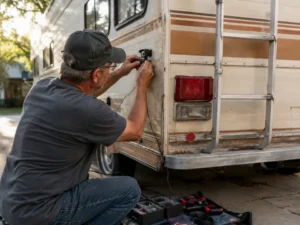
Choose a location for your camera that maximizes your field of vision, typically near the top center of the rear of your RV. Ensure it is securely fastened and angled to capture both the ground and surroundings, avoiding blind spots. Use a high-quality mounting bracket for stability, and check for any obstructions that could impede visibility.
Wiring and Connections
Begin by routing the camera’s cables through your RV, making connections to the battery and monitor. Ensure that the wiring is hidden and secured against moving parts or sharp edges. Always double-check polarity and connection integrity to avoid issues with functionality.
When making connections, use high-quality connectors and consider using a fuse in line to protect against electrical issues. You might opt for an extension cable if the distance from the camera to your display is significant. Keeping wires organized and labeled can help during any future troubleshooting or modifications. Testing the connections before finalizing the installation can save you from having to revisit issues later on.
How to Test Your RV Camera
Once your RV camera is installed, testing it is vital to ensure it operates as expected. Begin by powering on the camera and monitor, checking for clear images and stable connections. Move your RV to various positions and angles to confirm that the camera captures a full 180 degrees of view without distortion. Verify that night vision capabilities function correctly by testing it in low-light conditions. If issues arise, troubleshoot the wiring and connections before hitting the road.
Ensuring Proper Functionality
To ensure your camera functions properly, check that all components are securely connected. Conduct a full system test by observing live footage from your monitor while you simulate driving maneuvers, like turns or reversing. Look out for lag or distortion in the image, which can indicate a problem with the camera or wiring. Additionally, perform a sound check if your camera includes audio features, confirming that the sound quality meets your expectations.
Adjusting the Camera Angle
Properly adjusting the camera angle is vital for maximizing visibility. A well-angled camera should capture blind spots and provide a clear view of surrounding traffic. Start by positioning the camera at eye level for optimal visibility; it should ideally point slightly downward to capture more ground and reduce the risk of blind zones. Test the adjusted angle by observing how the camera performs during simple maneuvers, ensuring you can see potential obstacles.
Fine-tune the camera angle by making small adjustments and observing the live feed. A slight tilt can dramatically improve your field of vision. You may find it beneficial to have an assistant guide you as you adjust the camera while monitoring the view. Aim to cover crucial areas such as rear blind spots and lanes from which vehicles might unexpectedly appear. Consistently checking your camera from different angles can optimize your setup for safety on the road.
Tips for Optimal Camera Performance
To ensure your RV camera operates at its best, consider these tips: maintain a clean lens, adjust camera angles for different driving conditions, and secure wiring to prevent wear. Regular checks can prevent problems, while making adjustments can enhance vision and coverage. Optimize your viewing experience by testing the camera’s functionality regularly. Knowing these strategies will enhance your safety and overall RV experience.
Regular Maintenance
Performing regular maintenance on your RV camera is imperative for longevity and performance. Clean the camera lens and housing every few months to avoid dirt buildup. Check connections for corrosion or damage, ensuring cables are secured and insulated. Also, regularly update the software if applicable to keep the camera operating smoothly.
Enhancements for Night Vision
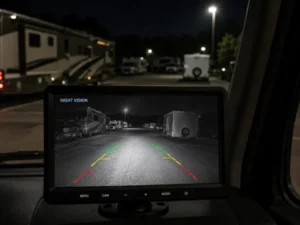
To improve night vision capabilities, consider installing a camera with infrared technology, which enhances visibility in low-light conditions. Ensure your camera features a wide dynamic range to manage varying lighting conditions effectively. Additionally, positioning the camera to minimize glare from headlights will significantly boost your night-time visibility.
Upgrading your RV camera with high-resolution sensors and infrared LED lights can greatly improve visibility at night. Look for models that offer a range of night vision modes, allowing you to adapt to different environments. The addition of features like digital noise reduction can further enhance the clarity of the footage captured under low-light conditions, ensuring you can navigate safely after dark.
Troubleshooting Common Issues
Even with proper installation, you may encounter occasional issues with your RV camera. Identifying these problems promptly can save you from larger headaches down the road. Look for symptoms such as a blank screen, flickering images, or inconsistent video feed. Understanding these indicators helps you troubleshoot effectively, ensuring a seamless travel experience.
Identifying Problems
Pay close attention to the behavior of your camera. If you notice a blank screen, it could signal a power issue or disconnected cables. Flickering images might suggest interference from nearby electronic devices or poor connections. Regularly checking these elements will help you spot issues early.
Quick Fix Solutions
Once you’ve identified problems, quick fixes can often resolve them without professional help. For instance, if your camera isn’t powering on, first check the power source and connections. Tightening loose cables may restore functionality. If you’re dealing with signal interference, repositioning the camera or rerouting cables could clear up the feed.
Don’t overlook the importance of environmental factors; sometimes, simple adjustments can make all the difference. For example, if your video feed is choppy due to interference, try reorienting the camera or adjusting the angle slightly to eliminate obstructions. In cases of persistent issues, consulting the user manual can provide specific guidance tailored to your model, ensuring you find the right solution efficiently.
To wrap up
As a reminder, following the complete checklist for RV camera installation ensures that you enhance your safety and convenience on the road. By systematically addressing each step, from selecting the right camera to proper wiring and testing, you improve your RV’s functionality and reduce potential issues. Investing the time to carefully execute each phase of installation will result in a reliable system that enhances your overall driving experience, giving you peace of mind as you commence on your adventures.