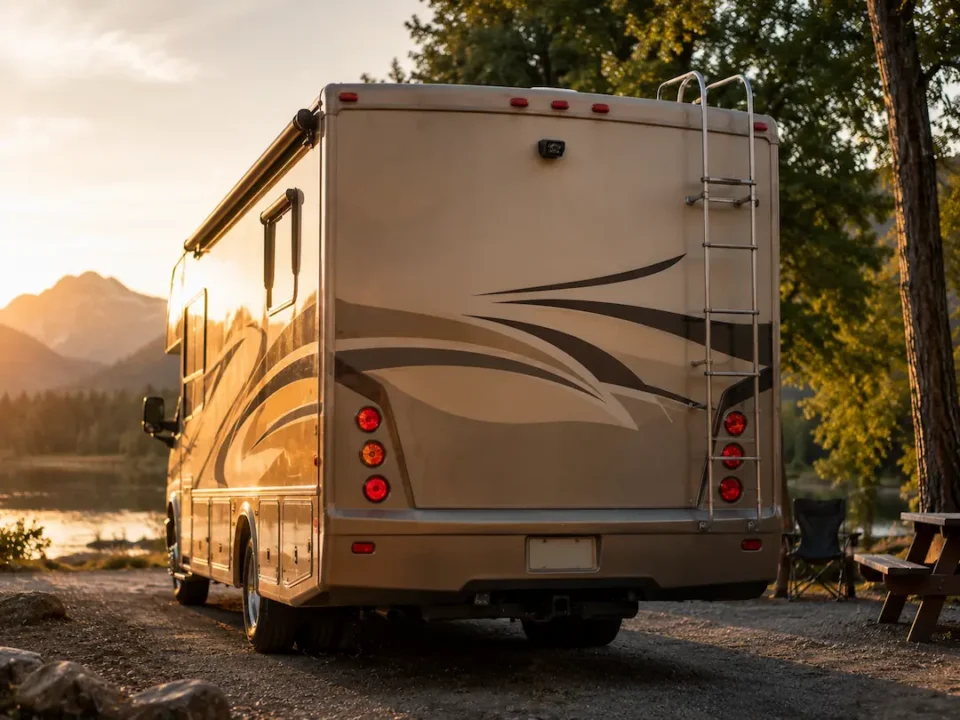
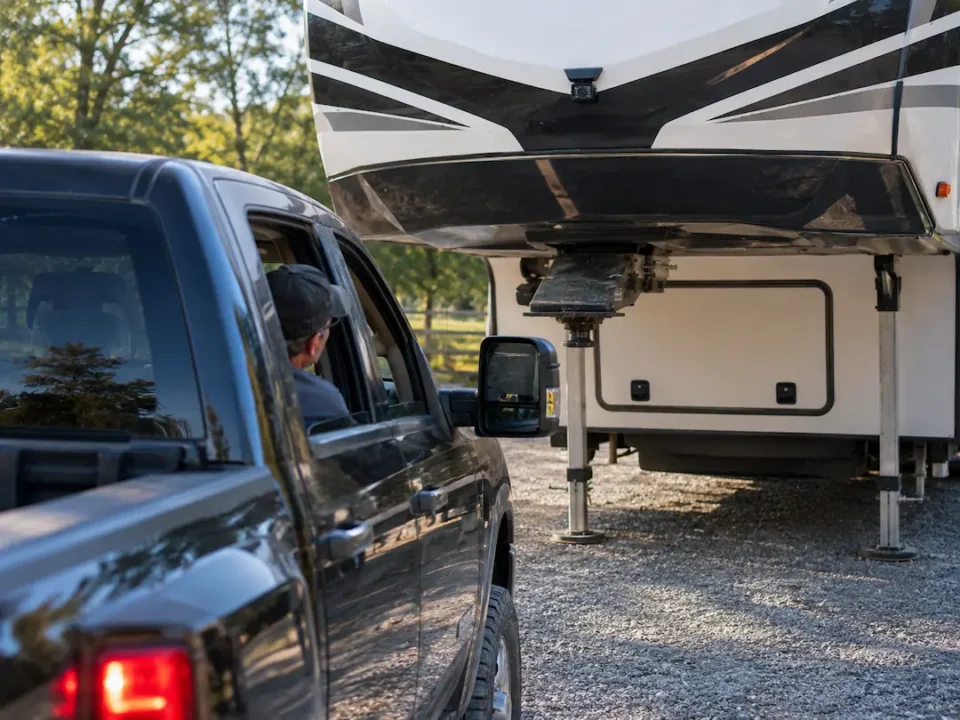
You face unique challenges when maneuvering your RV, making a reliable backup camera an crucial tool for safe driving. These systems not only enhance visibility but also help you avoid hazards that could cause damage or injury. With a variety of options available, selecting the right camera can significantly impact your overall safety and experience on the road. This guide is designed to equip you with the information needed to choose the perfect RV backup camera for your needs, ensuring that you travel with confidence.
Types of RV Backup Cameras
When dicking out an RV backup camera, you’ll find several types to meet your specific needs and preferences. Each type offers unique features and functionalities. Wired and wired models provide reliable connections, while smartphone-compatible cameras offer innovative conveniences. Consider your usage scenarios and installation capabilities when deciding. Recognizing the differences among these types will help you choose the right camera for your RV.
| Type | Description |
| Wired | Offers stable connectivity and typically higher resolution. |
| Wireless | Easy to install, often with flexible mounting options. |
| Smartphone-Compatible | Connects to your phone for real-time viewing and controls. |
| 4G LTE | Uses mobile networks for streaming, even from far away. |
| Multi-Camera Systems | Includes multiple cameras for complete coverage. |
Wired Backup Cameras
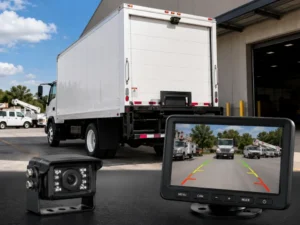
Wired backup cameras are favored for their reliable connection, minimizing interference and ensuring consistent video quality. They connect directly to your RV’s power source and display unit, providing a steady feed without the lag often associated with wireless options.
Wireless Backup Cameras
Wireless backup cameras are popular due to their convenience and ease of installation. They eliminate the need for cumbersome wiring, allowing you to mount them in various locations without hassle.
Enhancing mobility, wireless models typically come with rechargeable batteries or are powered directly through existing cabling. You can achieve flexible positioning, making them suitable for various RV sizes and setups. Be mindful of possible interference, especially in densely populated areas, though many models now feature stronger signals to counteract this.
Smartphone-Compatible Cameras
Smartphone-compatible cameras allow you to view the camera feed directly on your mobile device, providing real-time control and ease of use. This integration streamlines backup and parking processes right from your hand.
These cameras often utilize Bluetooth or Wi-Fi connections, enabling you to access multiple camera views through an app. With added functionalities such as alerts and recording features, they cater to tech-savvy users looking for advanced solutions in RV backing and maneuvering.

Key Factors to Consider
When identifying an RV backup camera, several key factors can significantly influence your decision. Consider the camera’s resolution, ease of installation, compatibility with your vehicle, viewing angle, and night vision capabilities. Other factors such as wireless vs. wired options, durability, and budget should also be evaluated. Recognizing these elements will help you make an informed choice that enhances your driving experience.
Resolution and Image Quality
Focusing on resolution and image quality is vital when choosing a backup camera. Cameras with higher resolutions provide clearer images, making it easier to spot obstacles. Look for models offering at least 720p, as this ensures sharp visuals. Full HD (1080p) options deliver even better clarity, especially useful in low-light situations.
Installation and Compatibility
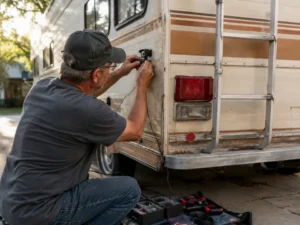
Assessing installation and compatibility is paramount to avoid frustration. Most RV backup cameras come with detailed instructions for DIY installation. Check whether the camera system is compatible with your RV model to ensure a seamless fit. Wired systems may require professional installation, while wireless options can often be set up by the owner.
Before purchasing, confirm the camera’s mounting options and power source requirements, as some units may rely on your vehicle’s electrical system. If you choose a wired system, verify your RV has the necessary wiring harnesses. This prevents extra costs and time from modifications or adjustments.
Viewing Angle and Night Vision
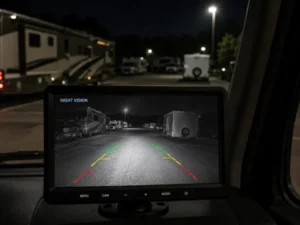
A wide viewing angle is important for maximizing your field of vision while reversing. Look for cameras that offer a viewing angle of at least 120 degrees. For safe nighttime driving, consider cameras equipped with night vision technology that utilizes infrared LEDs, enhancing visibility in low-light conditions.
The optimal viewing angle allows you to detect objects and pedestrians more easily when backing up. For camping and late-night maneuvers, a robust night vision feature ensures that unforeseen hazards don’t go unnoticed, enhancing your overall safety during night operations.
Pros and Cons of RV Backup Cameras
| Pros | Cons |
|---|---|
| Enhanced visibility while reversing | Potential for technical malfunctions |
| Reduces blind spots | Can be costly depending on the model |
| Improves safety for pedestrians | Requires proper installation |
| Helps with parking accuracy | May become dirty and require maintenance |
| Variety of features like night vision | Can cause distraction if not used properly |
| Can increase resale value of your RV | Screen glare can impair visibility |
| Easy to integrate with existing systems | Limited angle coverage in some models |
| Real-time feedback for maneuvering | Requires power source and relevant cabling |
| Important for larger vehicles | Some models can struggle with connectivity |
Advantages of Using Backup Cameras
Using backup cameras significantly enhances your driving experience by providing real-time visibility of your surroundings, especially in larger RVs. They minimize blind spots, making it easier to spot pedestrians and obstacles. Moreover, advanced models often come equipped with features like night vision and grid lines, improving parking accuracy and overall situational awareness.
Disadvantages and Limitations
While backup cameras offer many benefits, there are limitations you should consider. They may be subject to technical failures and can lead to over-reliance, potentially diminishing your awareness of the environment. Some models require regular maintenance to keep lenses clean, and factors such as glare can affect performance. Additionally, installation complexity varies, and poor connectivity can reduce effectiveness.
Delving deeper into the disadvantages, backup cameras may create a false sense of security, which can lead you to overlook traditional mirrors. If the camera malfunctions, you could lose vital visual feedback when backing up. Moreover, while many models boast advanced features, they typically come with a higher price tag, which might not fit every budget. Ultimately, while the technology is beneficial, your awareness must remain a priority to ensure safe driving.
Step-by-Step Guide to Choosing the Right Backup Camera
| Step | Description |
|---|---|
| 1 | Assess your RV needs and intended usage. |
| 2 | Compare different models and features available. |
| 3 | Make your final decision based on your analysis. |
Assessing Your RV Needs
Evaluate your specific RV requirements, considering factors such as size, driving habits, and whether you frequently tow another vehicle. Determine the level of visibility you need, as larger RVs may require cameras with wider angles and higher resolution to ensure safety while maneuvering.
Comparing Different Models
Investigate various models available in the market, analyzing their features like viewing angle, resolution, and connectivity options. Pay attention to user reviews and ratings as they provide insights into the real-world performance of these cameras, highlighting strengths and weaknesses that specifications alone may not convey.
| Features to Compare | Considerations |
|---|---|
| Viewing Angle | A wider angle reduces blind spots. |
| Resolution | Higher resolution provides clearer images. |
| Connectivity Options | Wireless vs. wired connections impact installation complexity. |
| Durability | Ensure the camera can withstand outdoor conditions. |
Final Decision Making
After thorough comparisons, weigh each model’s pros and cons against your needs and budget. Make sure to choose a camera that combines imperative features with reliability to enhance your RV experience.
| Final Considerations | Action Steps |
|---|---|
| Budget | Set a clear budget before finalizing your choice. |
| Warranty | Look for models with solid warranties for peace of mind. |
| Installation | Consider ease of installation based on your skill level. |
| After-Sales Support | Research customer service reputation for assistance. |
Tips for Effective Use and Maintenance
- Regular cleaning to ensure clear visibility
- Routine maintenance checks for optimal functionality
- Proper setup to maximize performance
The key to a successful experience with your RV backup camera lies in effective use and maintenance.
Regular Cleaning and Maintenance
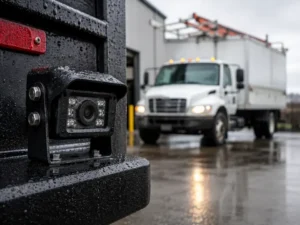
To maintain a clear view, perform regular cleaning of the camera lens and monitor. Dust, debris, and moisture can impair visibility, so use a soft cloth and a suitable cleaner to keep the lens spotless. Regular maintenance checks on connections and wiring can also prevent potential issues, ensuring your system remains reliable for safe maneuvering.
Proper Setup for Optimal Performance
Setting up your RV backup camera correctly is important for optimal performance. Ensure the camera is positioned at the correct angle to eliminate blind spots while providing a full view of the area behind your rig. Adjust the monitor settings to suit your preferences for brightness and contrast, enhancing your visibility in varying lighting conditions. Furthermore, secure all wiring properly to avoid disconnections and interference during use.
For an enhanced setup, consider utilizing a mount that allows you to adjust the camera angle more precisely while you’re on the go. Some advanced systems even offer adjustable exposure settings, allowing you to customize the camera’s response to light changes, improving usability in low-light conditions. Additionally, ensure that the camera is adequately protected from the elements, as moisture and dirt can degrade its functionality over time. The right installation and adjustments can significantly improve your reversing experience, making your RV trips more enjoyable and stress-free.
Frequently Asked Questions
As you explore the world of RV backup cameras, it’s common to have questions about their functionality and benefits. Addressing these queries can help you make a more informed decision. This section covers the most frequent concerns and offers clarity on what to expect when integrating a backup camera into your RV setup.
Common Concerns and Misconceptions
You might wonder if a backup camera really improves safety or adds unnecessary complexity. In reality, backup cameras significantly enhance your field of vision when reversing, reducing blind spots and accidents. Misconceptions often arise regarding installation ease; many models feature user-friendly setups that don’t require professional help.
Troubleshooting Issues
If you experience issues with your backup camera, it’s vital to troubleshoot promptly to ensure optimal performance. Common problems include poor video quality, lack of power, or connectivity issues with the display. Start by checking all connections, inspecting the camera lens for obstructions, and ensuring the monitor is functioning properly.
In more detail, if your camera displays a flickering image or no picture at all, ensure the wiring harnesses are securely connected. Examine the power supply; a blown fuse could easily disrupt functionality. Additionally, if you encounter intermittent connectivity, consider interference from nearby devices or inspect for any physical damage to the cables. Regular maintenance of these components not only prevents future issues but also extends the life of your backup camera, maintaining your safety on the road.